-
Australia, January 2024
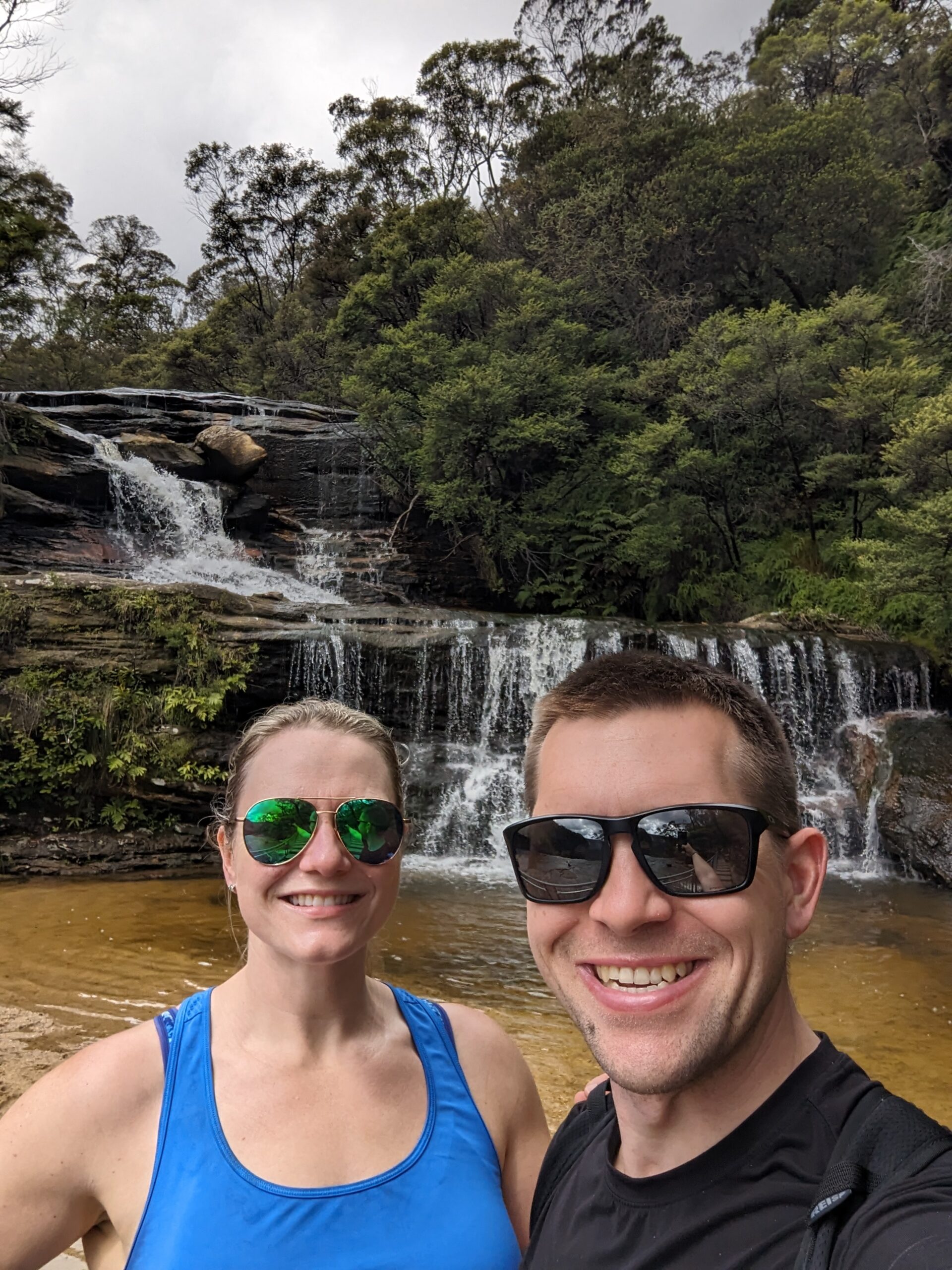
Angela and I recently returned from a trip to Australia. Unlike our previous journeys to the country, we spent the majority of our time outside of the large cities, opting to enjoy the beautiful Blue Mountains near Sydney before driving north to Brisbane, stopping in a few coastal towns on the way. The impetus for…
-
Japan, November 2023
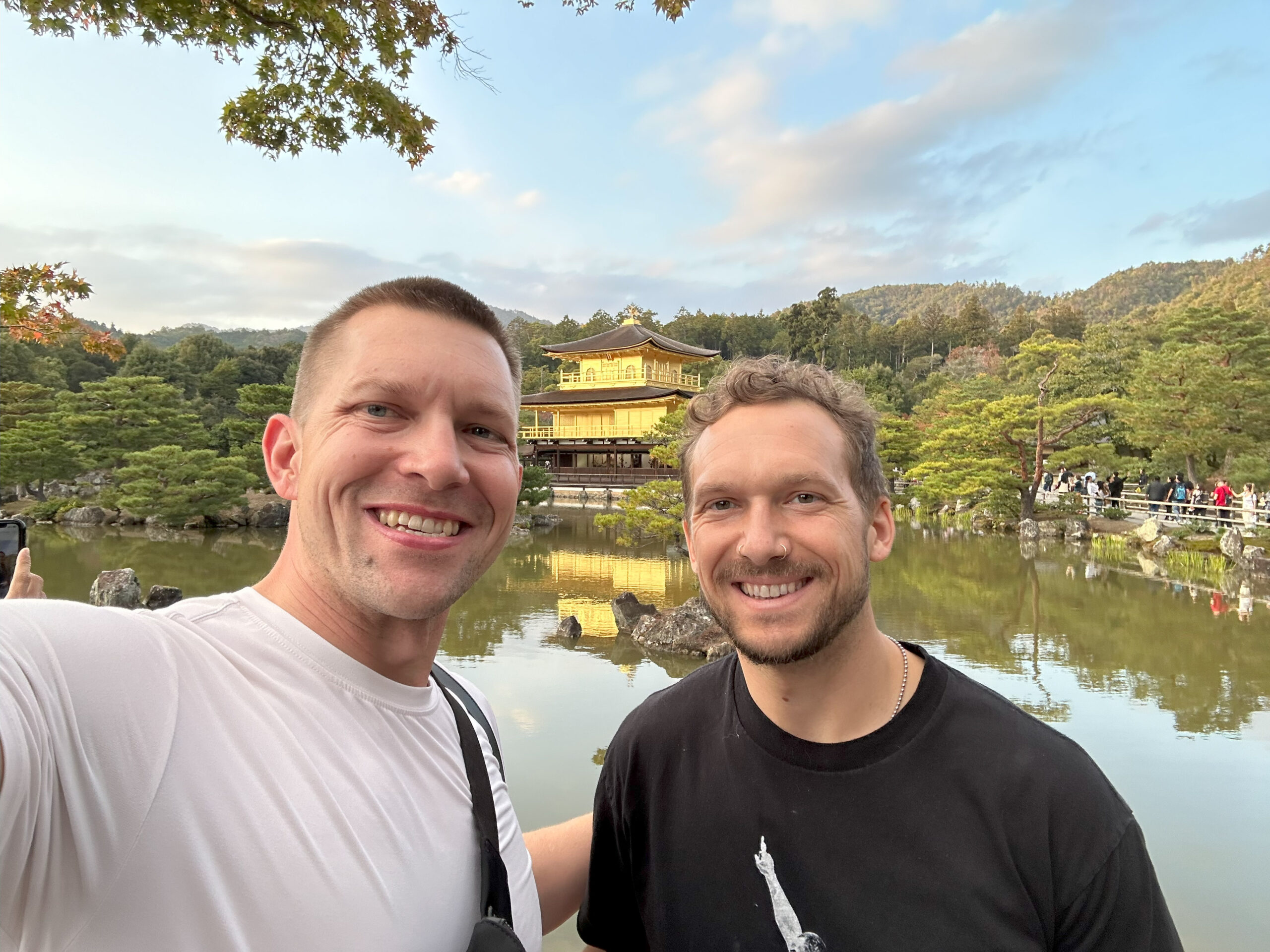
James and I recently returned from a trip to Japan which included stays in Tokyo, Kyoto, and Osaka. During our time together, we deepened our connection to one another and broadened our understanding of each other’s life. While I’ve visited Japan several times, this was all new to James. I tried to make sure we…
-
Scandinavia, October 2023
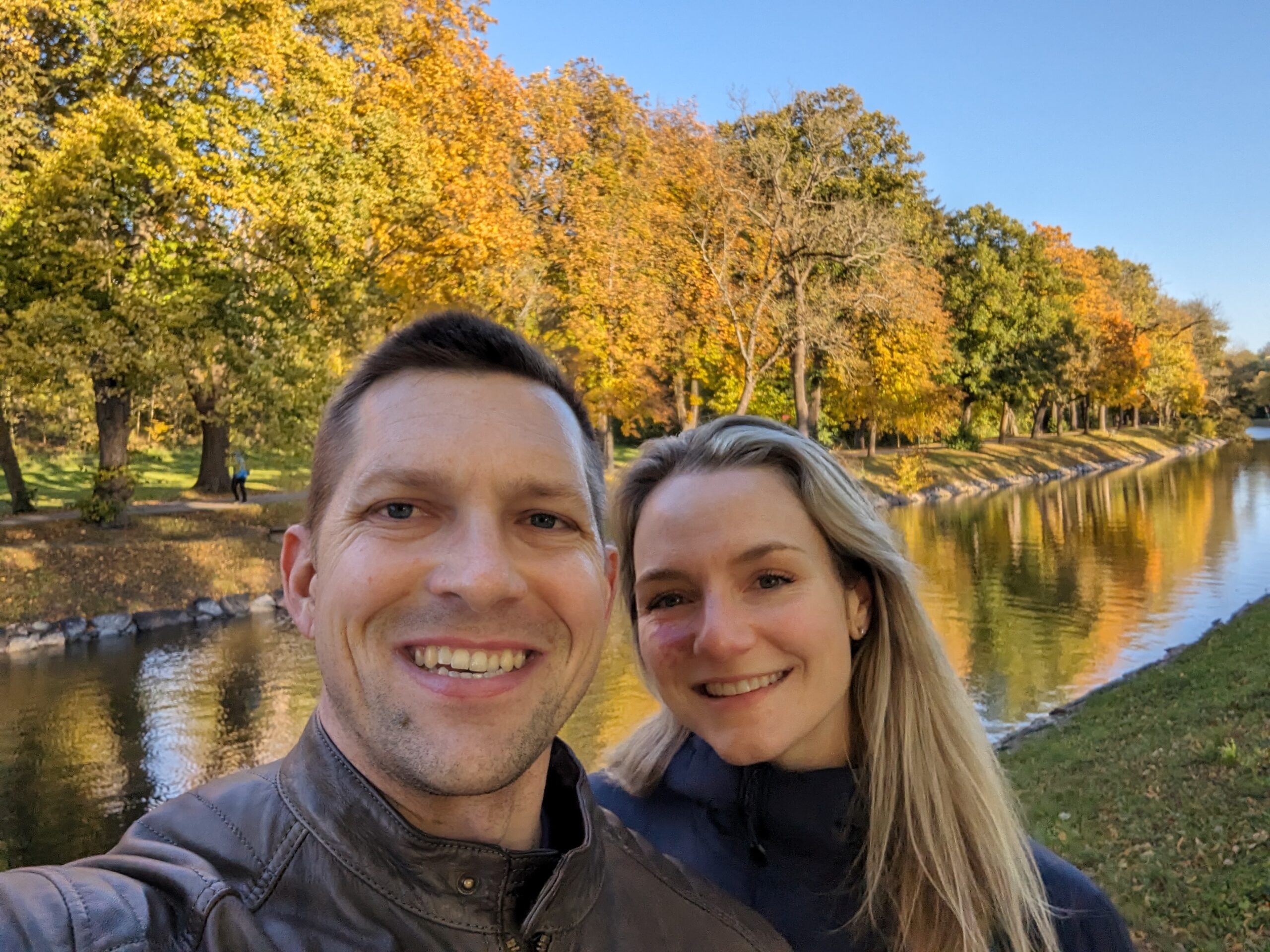
Angela and I recently returned from a whirlwind tour of Scandinavia. We stopped in Stockholm, Oslo, Copenhagen, and Helsinki and took a day trip to Tallinn, Estonia. This trip was essentially the opposite of our previous journey to Bali. While we spent a substantial amount of time relaxing during that trip, we never stopped moving…
-
London, Nottingham, and Venice, September 2023
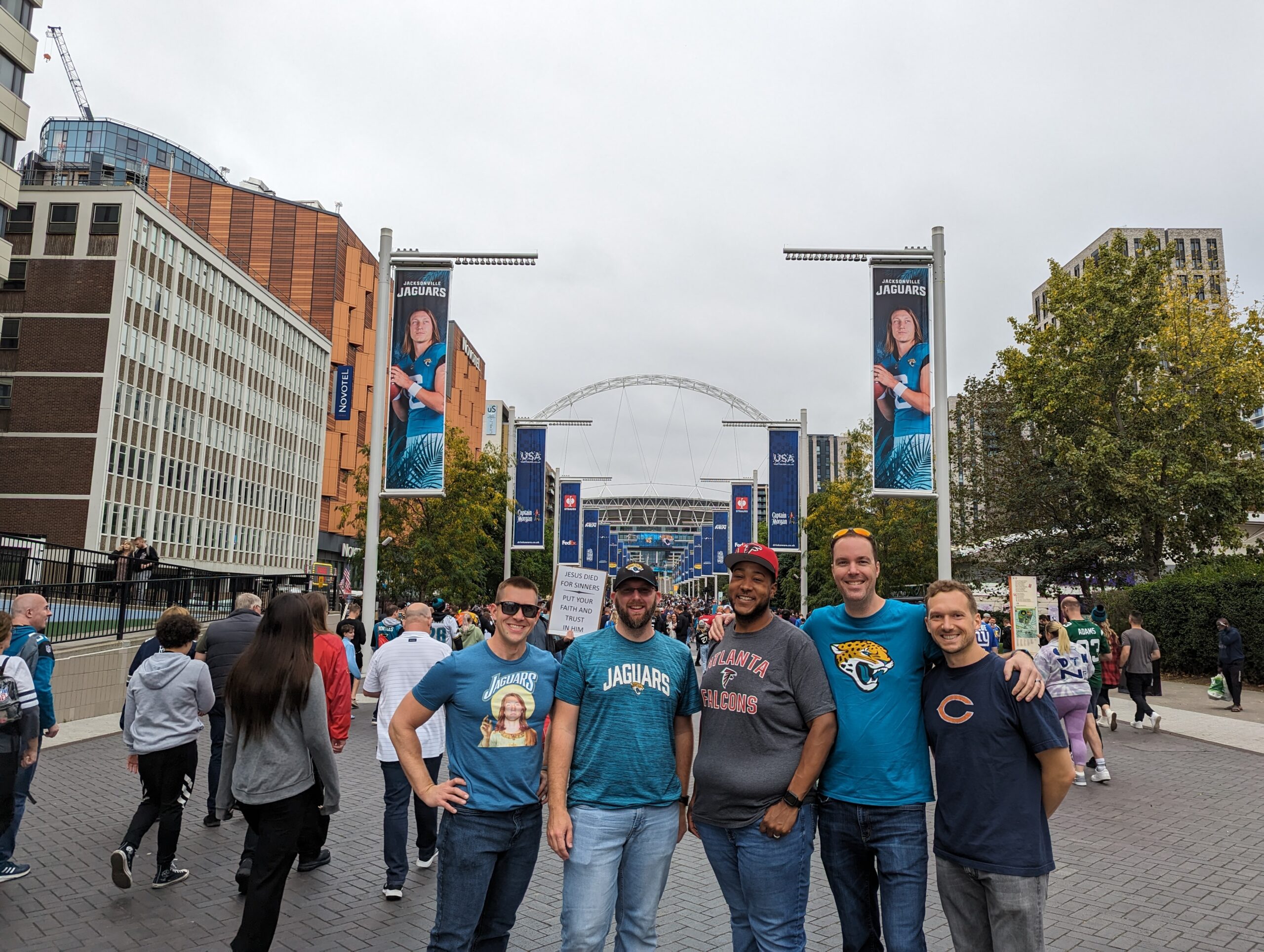
My brother and I recently returned from a visit to London with a one-night stop in Venice during our journey home. The primary reason for this trip was to attend the Atlanta Falcons versus Jacksonville Jaguars game at Wembley Stadium, part of the NFL in London series. We arrived in the city a few days…
-
Taipei and Bali, August 2023
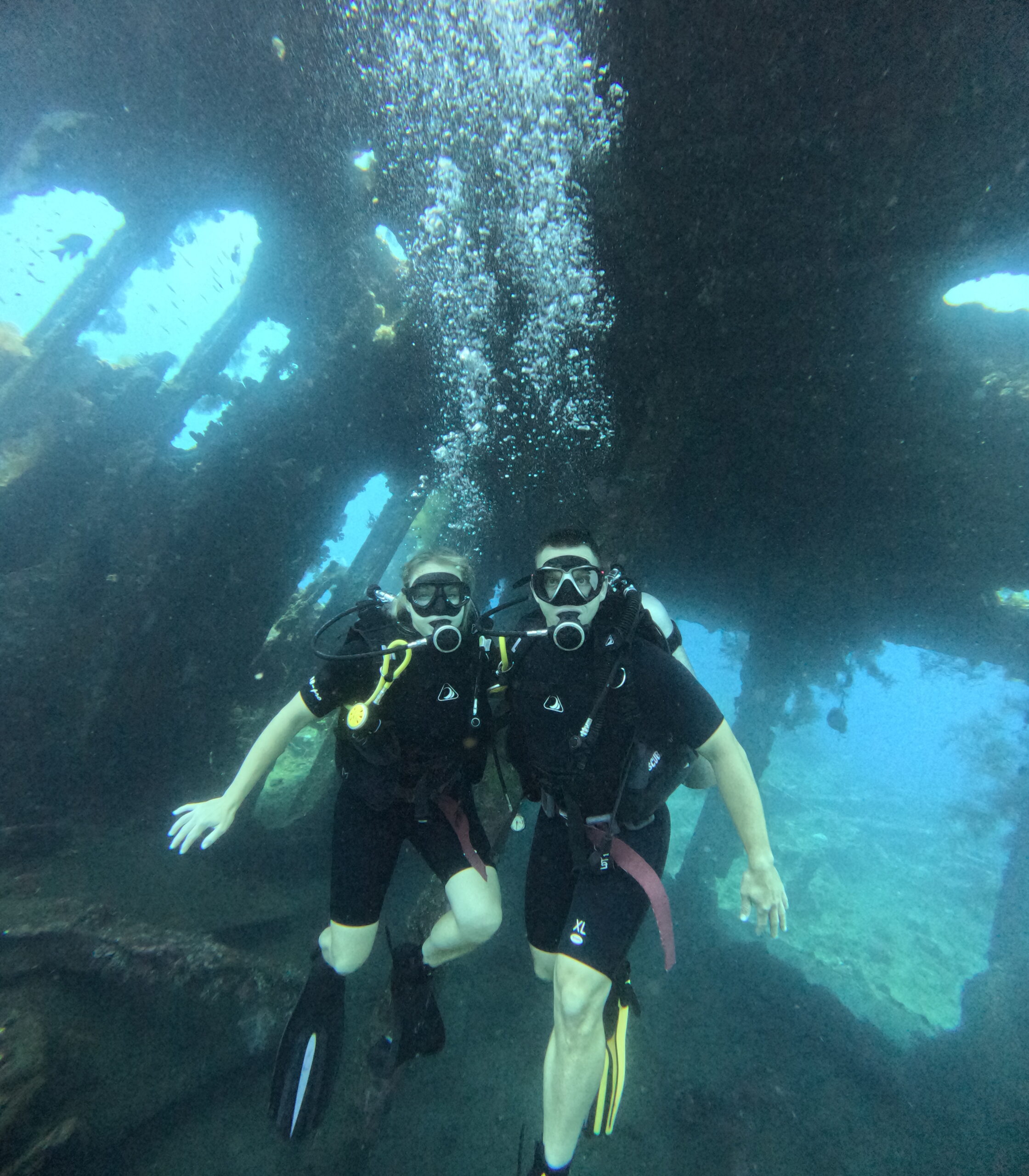
Angela and I recently returned from a trip to Taipei and Bali. While in Taipei, we wandered through the beautiful city, saw the tourist highlights, ate some delicious food, and perspired an obscene amount. Our time in Bali was much more of a true vacation. We spent the majority of our time relaxing and enjoying…
-
Fiji and Perth, June 2023
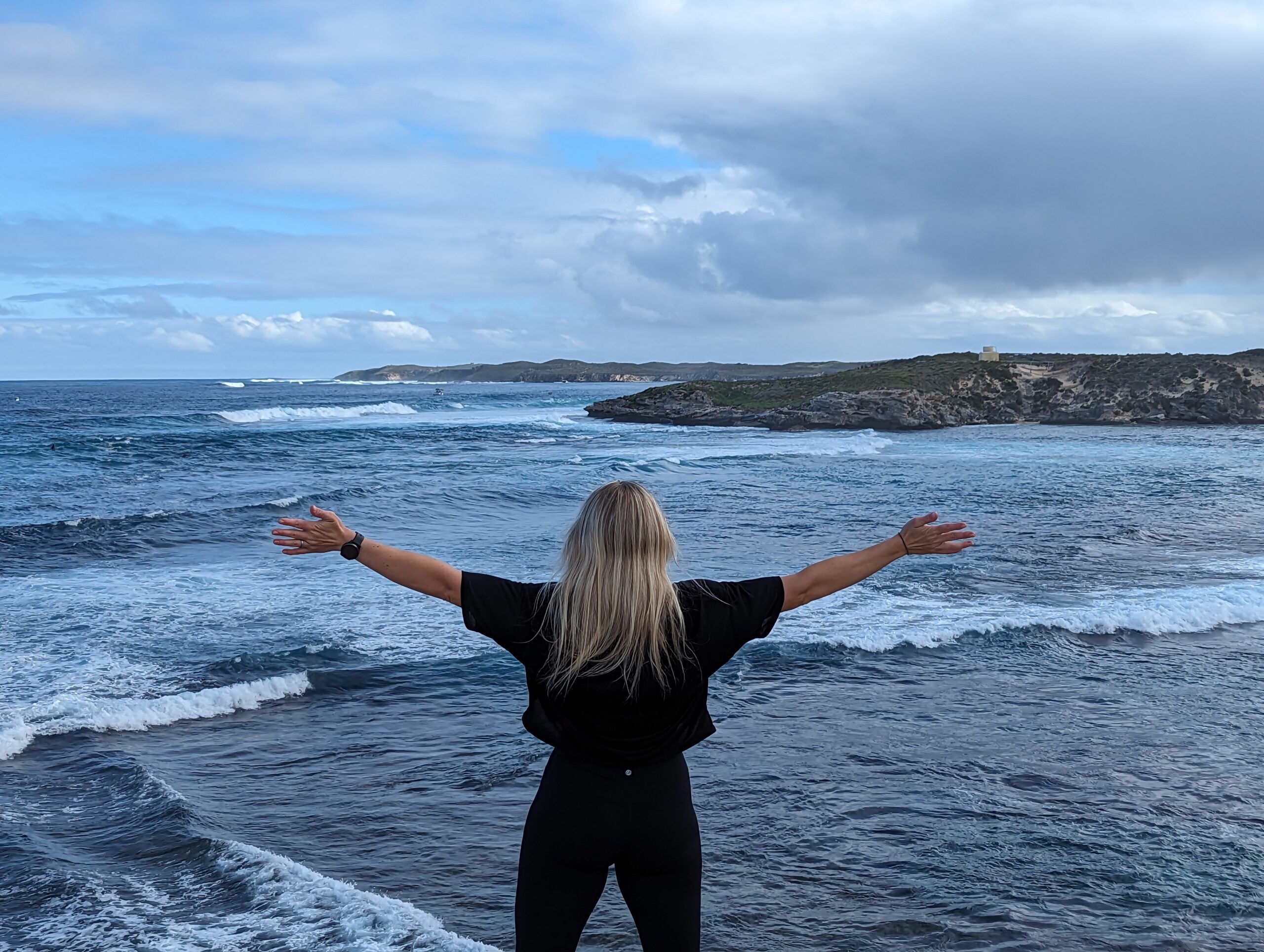
Angela and I recently returned from a trip to Fiji and Perth with our time abroad equally split between the two destinations. In Fiji, we fully embraced our adventurous side, zip-lining through forests and jumping out of a plane. In Perth, we slowed things down and connected with family that moved to Western Australia last…
-
Truckee, June 2023
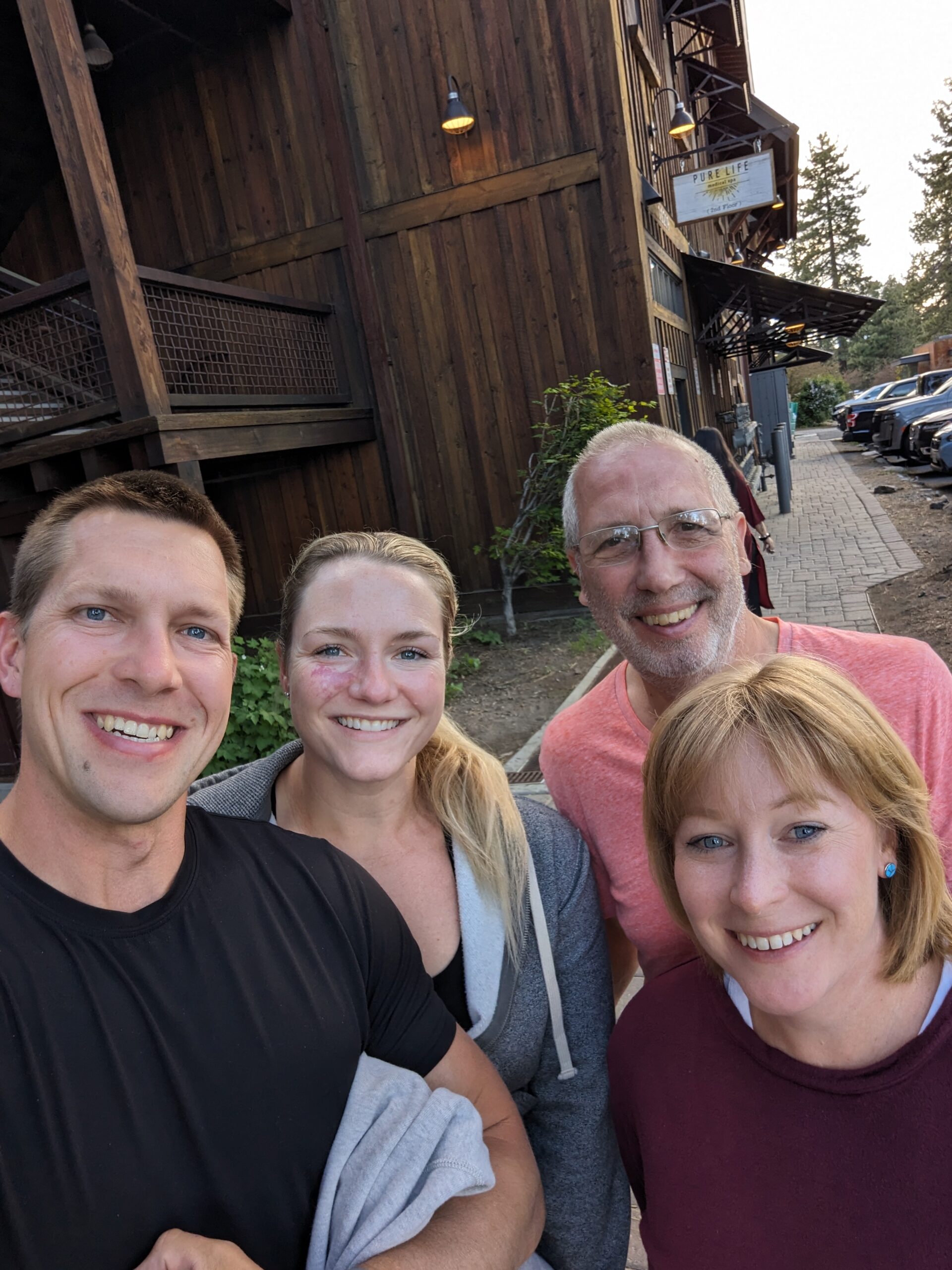
Our family recently spent five nights in Truckee, CA before stopping for an unexpected night in Reno, NV prior to heading home. We journeyed to California because we were invited by our friends John and Lena to go rock climbing with them during their stay in the area. Angela had previously climbed with the couple,…
-
Denver, June 2023
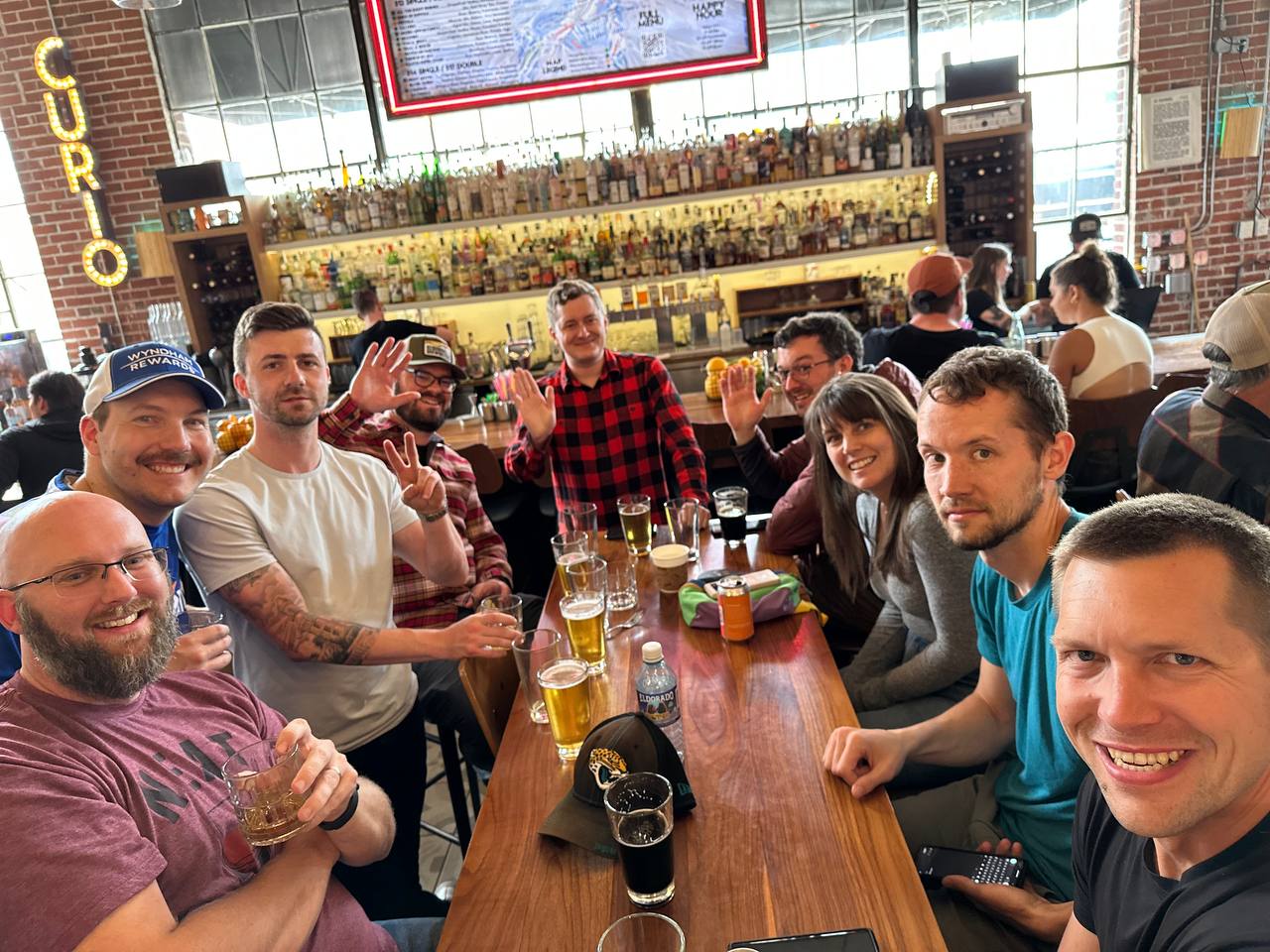
I recently returned from a trip to Denver where I spent a delightful evening eating with friends before meeting up with people that I’ve known for a few years via an online chat group. Of the twenty-eight people in the group, about half were able to attend this meetup. The composition was different from our…
-
Poland, May 2023
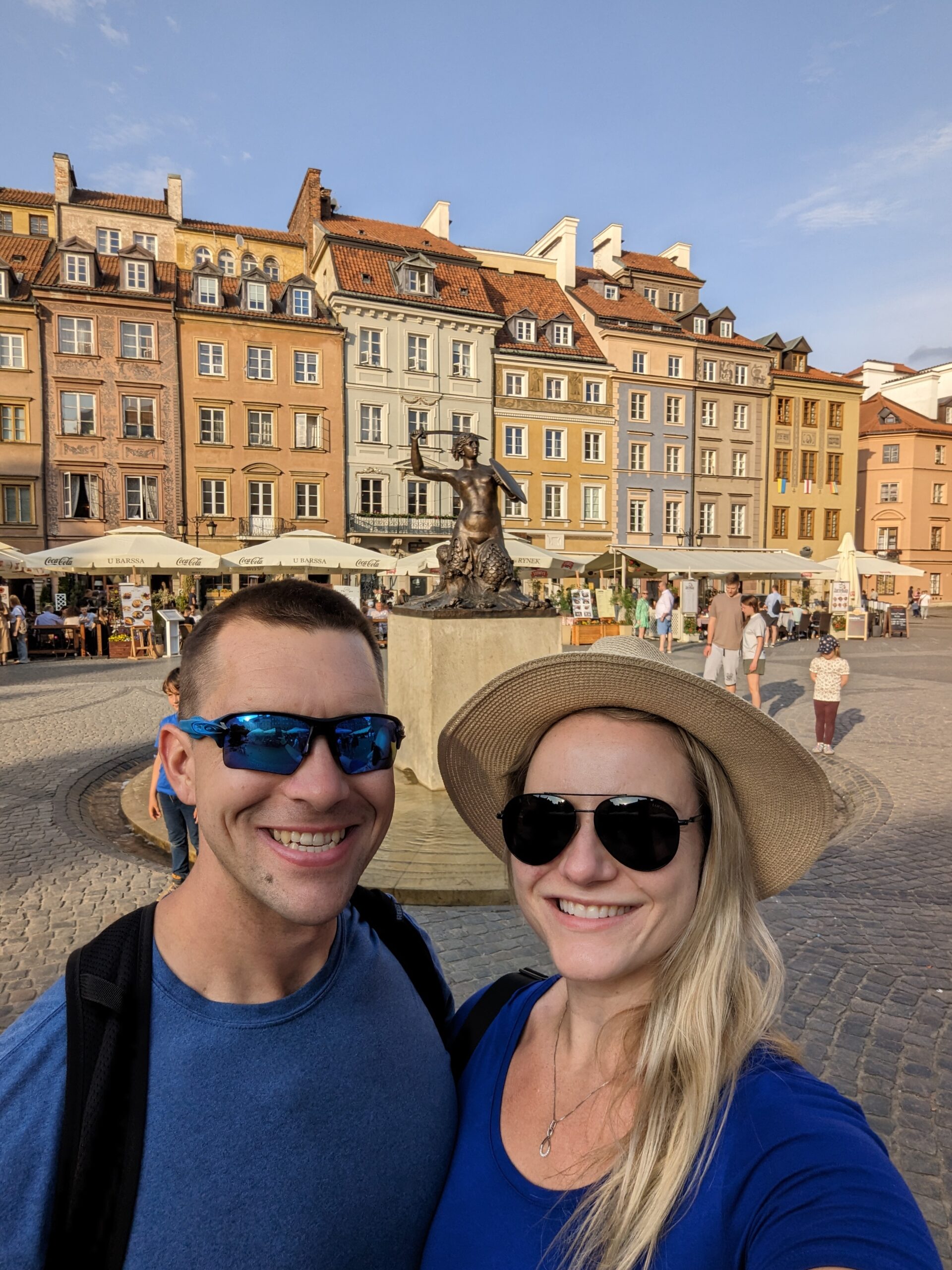
Angela and I recently returned from a trip to Poland, spending twelve days exploring as much of the country as we reasonably could. We visited Warsaw, Gdansk, Poznan, and Krakow during our tour of Angela’s cultural homeland, yet there remains so much for us to see on a return trip in the future. Returning to…
-
Seychelles, March 2023
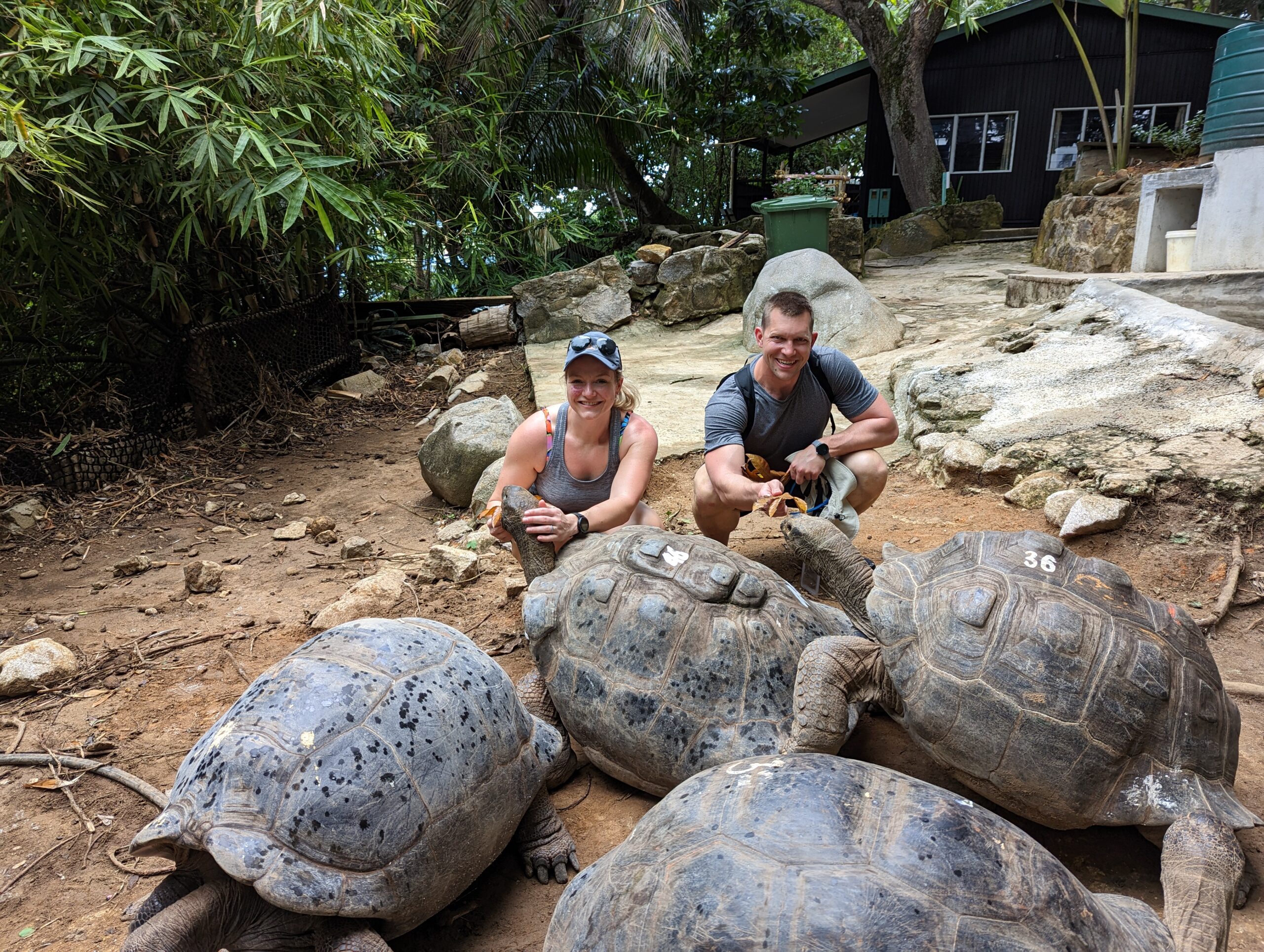
We recently returned from a trip to Seychelles. While there, we spent our time on the largest inhabited island, Mahe, staying several nights in both the north and the south. We drove the circumference, visited the capital, and explored several summits and a few beaches. Many of our trips are thinly disguised educational field trips…